Step-by-Step Implementation
1. Prepare the Environment
Confirm system architecture (aarch64) to ensure ARM-compatible packages are selected.
uname -mInstall Docker and Docker Compose to run Wazuh as a containerized service.
sudo apt update
sudo apt install -y docker.io docker-compose-plugin
Start Docker and ensure it persists across reboots.
sudo systemctl enable docker --nowVerify Docker and Docker Compose are installed and available.
docker --version
docker compose version
2. Deploy Wazuh (Single Node)
Retrieve the official Wazuh Docker deployment file and navigate to the single-node configuration.
git clone https://github.com/wazuh/wazuh-docker.git
cd wazuh-docker/single-node
Generate TLS certificates used to encrypt communication between Wazuh components (manager, indexer, dashboard).
sudo docker compose -f generate-indexer-certs.yml run --rm generatorConfirm that certificate files were successfully generated and stored locally.
ls -la config/wazuh_indexer_ssl_certsStart the Wazuh SIEM stack (manager, indexer, dashboard).
sudo docker compose -f docker-compose.yml up -dVerify that all Wazuh containers are running and healthy.
sudo docker compose -f docker-compose.yml ps3. Access and Verify the SIEM
Retrieve the server IP used to access the Wazuh dashboard.
hostname -IAccess the dashboard: https://<WAZUH_VM_IP> — Open the Wazuh web interface over HTTPS
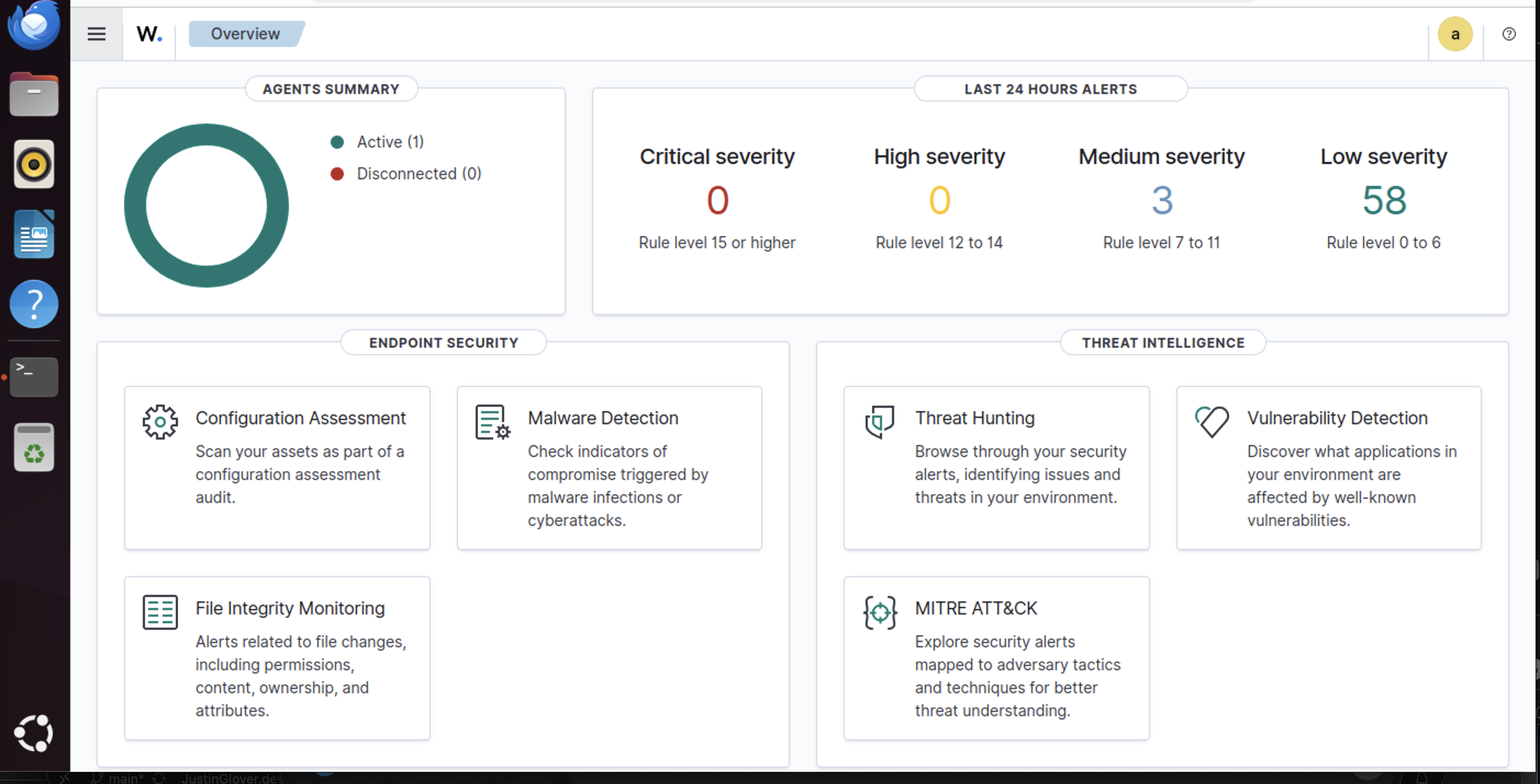
4. Deploy the First Agent (Ubuntu ARM)
Agent was deployed via the Wazuh dashboard:
- OS: Linux
- Package: DEB aarch64
- Server address: <WAZUH_VM_IP>
- Agent name: ubuntu-lab-01
- Group: default
- The Wazuh dashboard gave me two commands to run on the endpoint to install the agent.
Ensure the agent is installed from a neutral location on the endpoint, not from the SIEM server directory.
cd ~Lastly, run the two commands that were copied from the Wazuh dashboard on the endpoint.
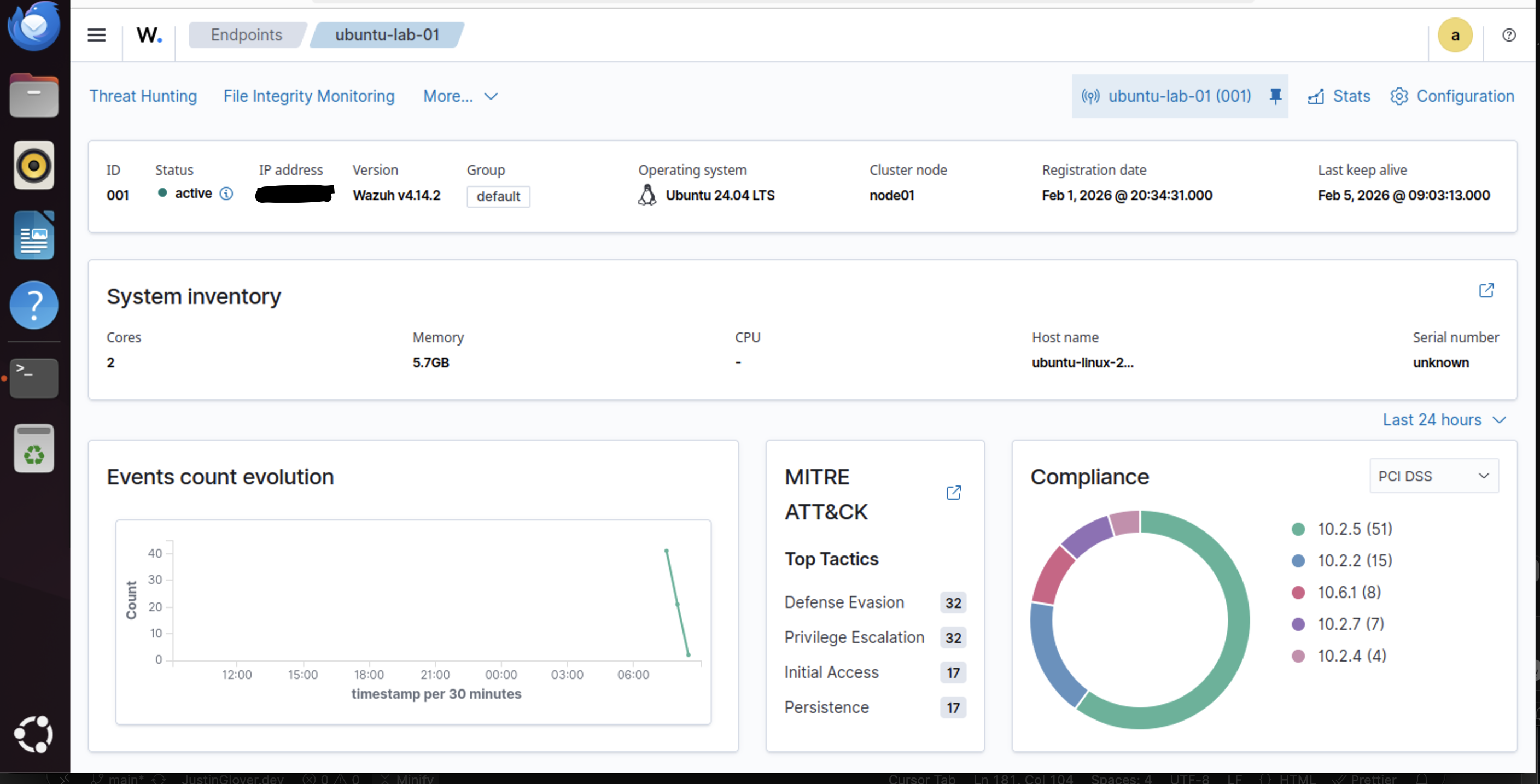
5. Generate and Validate a Test Alert
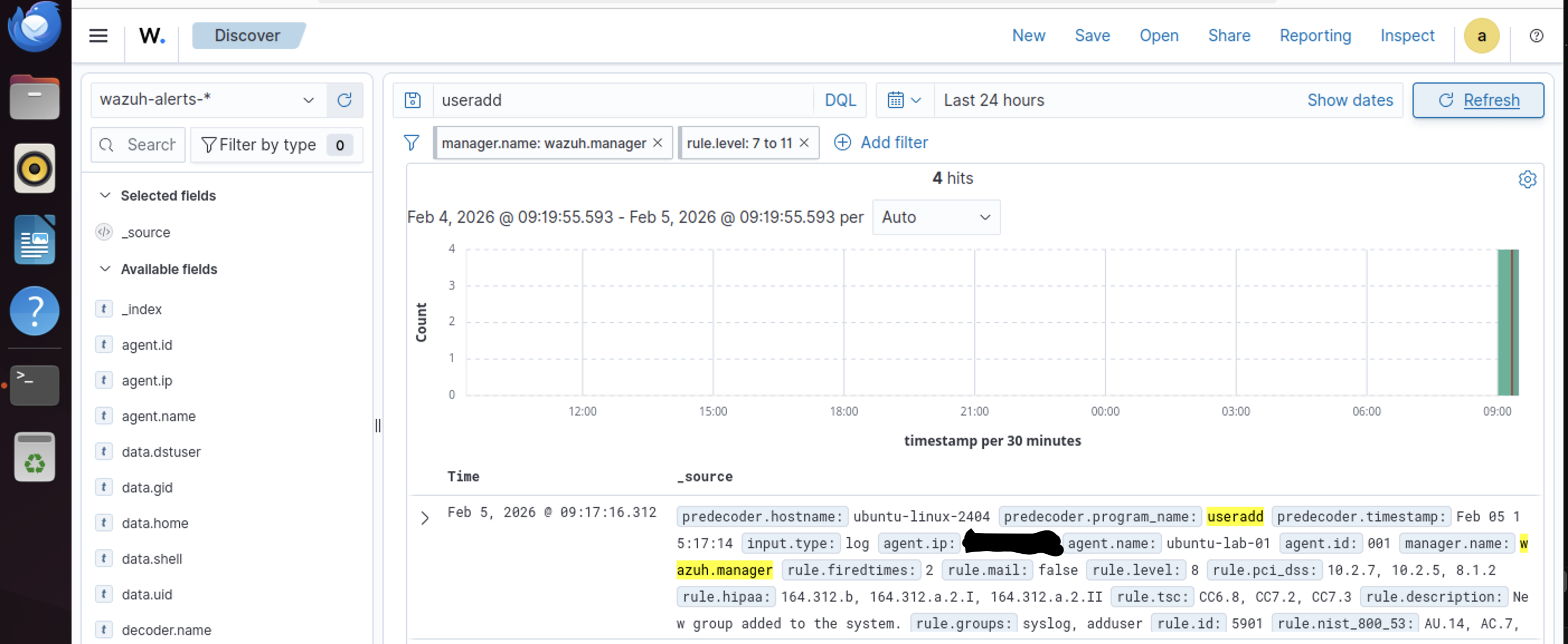
Create a new user account, triggering authentication-related logs monitored by Wazuh.
sudo useradd wazuh_alert_testIn the dashboard:
- Navigate to Security events / Threat hunting
- Search for:
useraddandwazuh_alert_test
Confirm that the SIEM successfully detected, ingested, indexed, and displayed the security event.
Challenges & Lessons Learned
ARM vs. amd64
- Many SIEM tools default to Intel (amd64)
- ARM deployments require explicit aarch64 selection
- Architecture mismatches caused failures